9 Signs It's Time to Redesign Your Business Website
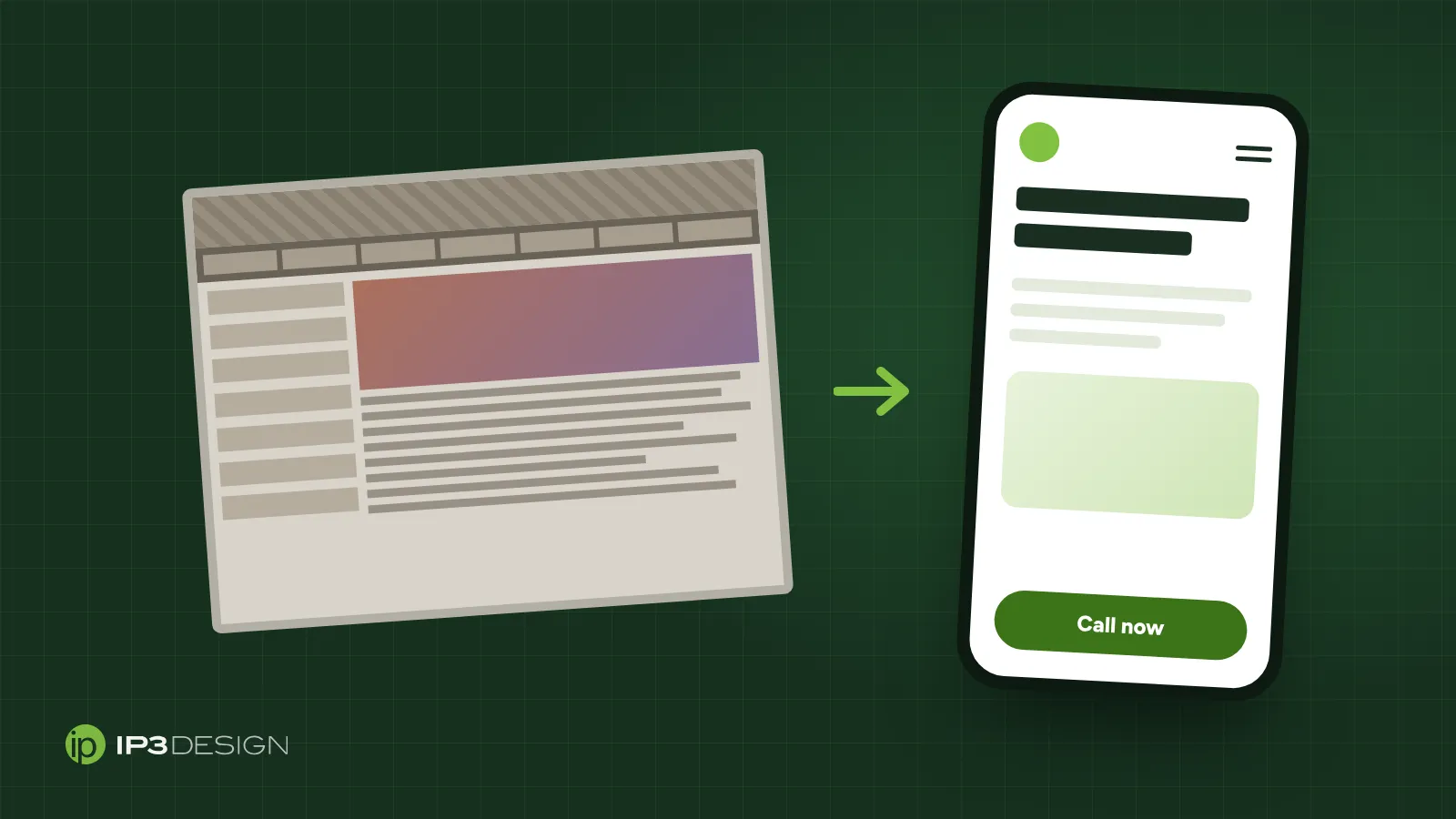
Most business owners don’t wake up one morning and decide they need a new website. It creeps up on them. A customer mentions they couldn’t find the phone number. A competitor launches a slick new site. Someone’s nephew points out that the copyright in the footer still says 2017.
Websites age faster than almost anything else in a business. Phones change, browsers change, Google changes, and customer expectations move with them. A site that was perfectly good five years ago can quietly turn into a liability.
Here are the signs we look for when someone asks us whether they need a redesign, plus how to do one without wrecking the search rankings you’ve built.
1. It’s hard to use on a phone
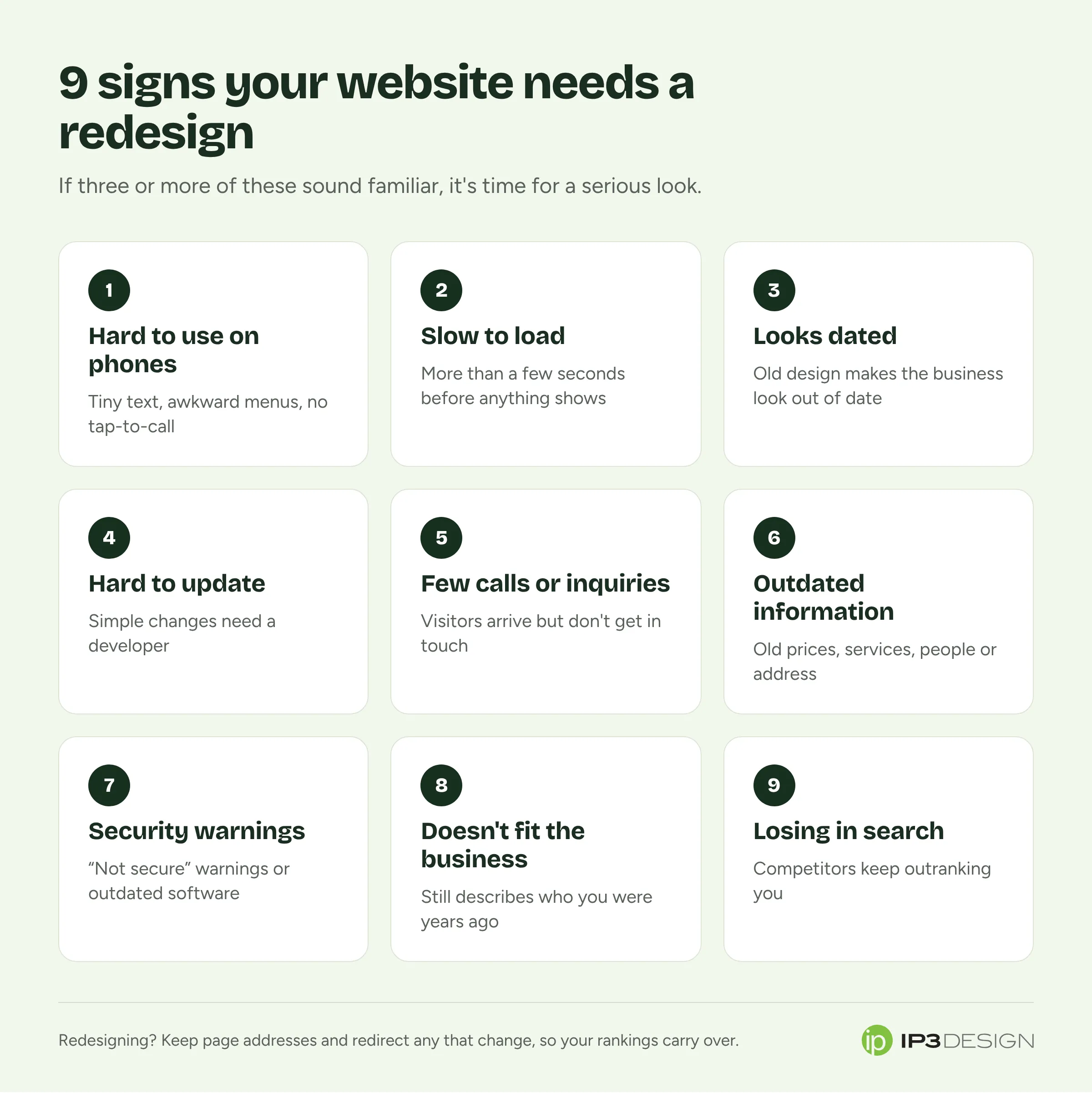
This is the big one, and it’s the first thing we check. Open your site on your phone and try to do what a customer would: find your services, check your hours, call you, fill out a form.
Is the text tiny? Do you have to pinch and zoom? Are buttons too close together to tap? Does the menu work? Is the phone number a tappable link, or do you have to memorize it and type it in?
This matters beyond convenience. Google uses the mobile version of your site for indexing and ranking, which it calls mobile-first indexing. If your mobile site is missing content or is a cut-down version of your desktop site, that’s what Google sees too.
For most local businesses, the majority of visitors arrive on a phone. If the site doesn’t work well there, it doesn’t work.
2. It’s slow
We covered this in depth in our guide to Core Web Vitals, but the short version is that slow sites lose customers and can lose rankings. If your homepage takes more than a few seconds to show anything on a phone, people leave.
Speed can sometimes be fixed without a redesign by compressing images, removing old plugins or upgrading hosting. But if the site is built on a heavy theme or page builder, there’s often a ceiling on how fast it will ever get. At some point, starting fresh is cheaper than endless patching.
3. It looks dated
People judge fast. If your site looks like it was built a decade ago, visitors assume the business might be stuck in the past too, even if your work is excellent.
Telltale signs of an aging design:
- Small, cramped text and narrow layouts built for old monitors
- Rotating image sliders on the homepage
- Stock photos that have obviously been used by a thousand other businesses
- Busy backgrounds, clashing colors or too many fonts
- A copyright year that’s several years old
Design trends come and go, and you don’t need to chase every one. But your website should look like it belongs to a business that’s open, active and paying attention.
4. You can’t update it yourself
If changing your hours, adding a photo or posting an update means emailing a developer and waiting a week, your website is going to go stale. It’s that simple.
A modern website should let you handle everyday changes on your own: editing text, swapping images, adding blog posts and updating your contact details. The big redesign questions can be left to professionals. The little updates shouldn’t need one.
This also comes up when the person who built the site has moved on and nobody else knows how it works or even has the login. If that’s you, it’s a good reason to rebuild on something you control.
5. It isn’t bringing in calls or inquiries
A website’s job isn’t to exist. It’s to bring in business. If you’re getting traffic but few calls, form submissions or bookings, something is getting in the way.
Common culprits:
- The phone number and contact form are hard to find
- There’s no clear next step on service pages
- Forms are long, confusing or broken (test yours, because forms break silently more often than you’d think)
- The site doesn’t clearly say what you do, where you do it and who it’s for
- There’s no reason to choose you over the competition: no reviews, photos of your work or explanation of what makes you different
Sometimes this can be fixed with better copy and clearer calls to action. Sometimes the whole structure needs rethinking.
6. The information is out of date
Old prices. Services you no longer offer. Team members who left years ago. An address from before you moved. Promotions that ended last summer.
Out-of-date information erodes trust quickly, and it can cost you real money when customers show up expecting something you don’t offer anymore. If your site is so hard to update that it’s fallen this far behind, that’s sign number four in disguise.
7. Browsers are showing security warnings
If visitors see a “Not secure” warning in their browser’s address bar, your site isn’t using HTTPS, the encrypted connection every site should have today. Many visitors won’t go any further, and browsers make the warning hard to miss.
Other security red flags include an out-of-date content management system, plugins that haven’t been updated in years, or a site that’s been hacked before. Older sites built on platforms that need constant updates are particularly vulnerable when nobody’s maintaining them.
8. It doesn’t reflect your business anymore
Businesses evolve. Maybe you’ve added services, moved into new areas, rebranded, or shifted toward a different kind of customer. If your website still describes the business you were five years ago, it’s sending the wrong people your way and confusing the right ones.
A redesign is a good moment to step back and ask: who are our best customers now, what are they looking for, and does our website speak to them?
9. Your competitors are beating you in search
Search for your main service in your area. Where do you show up? If competitors consistently outrank you, it’s worth looking at why. Often their sites are faster, better organized, more detailed about their services and easier to use on a phone.
SEO can improve a lot on an existing site. But if the underlying site is slow, thin on content and built on an aging platform, a redesign done with search in mind can give you a much stronger foundation.
Refresh or full rebuild?
Not every site with a few of these problems needs to be torn down. A rough guide:
A refresh might be enough if the site is reasonably fast, works on phones, runs on a platform you can update, and mostly needs better content, new photos and clearer calls to action.
A rebuild usually makes sense if the site is slow or broken on phones, you can’t update it yourself, it’s built on outdated or insecure technology, or the structure no longer fits your business.
When we review a site, we’ll tell you honestly which camp you’re in. Sometimes a few targeted fixes are all it needs.
How to redesign without losing your Google rankings
This is the part that worries people most, and for good reason. A careless redesign can wipe out years of search visibility overnight. It doesn’t have to.
Google publishes guidance on site moves and migrations that covers the technical details. Here’s what matters most in practice:
Keep your page addresses where you can
If your services page lives at yoursite.com/services/plumbing/, keep it there on the new site if possible. Every address that stays the same is one less thing that can go wrong.
Redirect every address that changes
For pages that move or get merged, set up permanent (301) redirects from the old address to the most relevant new one. Not to the homepage, but to the page that best matches. This tells Google where things went, and it means old links and bookmarks still work.
We did exactly this when we rebuilt our own website. Our old service pages kept their addresses, and the pages we retired redirect to the closest match.
Don’t throw away content that ranks
Before redesigning, find out which pages bring in search traffic, using Google Search Console. Those pages should carry over, improved but not gutted. Cutting a well-ranking page down to two sentences because it “looks cleaner” is a classic way to lose rankings.
Carry over the basics
Page titles, meta descriptions, headings and image alt text should all be reviewed and moved across, ideally improved. Make sure the new site isn’t accidentally blocked from search engines when it launches, which happens more often than you’d think.
Test before and after launch
Check that every important page loads, every redirect works, forms send, phone links dial, and the site performs well on a phone. Then watch Search Console closely for a few weeks after launch to catch anything that slipped through.
What a redesign should get you
A good redesign isn’t just a new coat of paint. When it’s done properly, you should come out the other side with:
- A site that’s fast and easy to use on any phone
- Clear pages for each service, written for your customers
- Obvious ways to call, book or get in touch from every page
- Something you can update yourself
- A solid technical foundation for SEO
- Your existing search rankings carried over, and room to grow them
How to prepare for a redesign
A little preparation makes a redesign faster, cheaper and less stressful. Before you talk to a designer, pull together:
Your logins
You’d be surprised how many projects stall for weeks because nobody knows the password to the domain name. Find the logins for:
- Your domain registrar, where you bought your web address
- Your hosting account
- Your DNS settings, if they’re managed somewhere other than your registrar
- Google Search Console and Google Analytics
- Your Google Business Profile
- Any email marketing or booking tools connected to the site
If any of these are in the name of a former employee or an old agency, sort that out now.
What’s working, and what isn’t
Look at which pages bring in the most visitors and inquiries. Think about the questions customers ask most often on the phone, because the new site should answer them. Make a note of anything customers have complained about on the current site.
Photos and content
Real photos of your work, team and premises make a far bigger difference than any design trick. If you don’t have good ones, consider booking a photographer before the redesign starts. Start gathering testimonials, project examples and the details of each service you offer.
A few sites you like
They don’t need to be in your industry. Note what you like about each one, whether it’s the layout, how easy it is to find information, or the overall feel. It gives your designer a head start.
How long does a redesign take?
For a typical small business site, the design and build usually take a few weeks. The part that most often slows things down is content: gathering photos, writing service descriptions and getting sign-off from everyone who needs to approve them. Getting your logins, photos and service details together before the project starts, as described above, is the single best way to keep things moving.
Questions to ask a web designer
Before you hire anyone, ask:
- Will I be able to update the site myself? Ask them to show you how.
- Who owns the website and domain when it’s done? It should be you.
- How do you protect my existing Google rankings? Listen for redirects and keeping page addresses.
- How fast will it be on a phone? Ask for examples you can test yourself.
- What happens after launch? Who handles updates, security and fixes, and what does that cost?
- Can I see recent sites you’ve built and talk to those clients?
A good designer will be happy to answer all of these. If any of the answers are vague, keep looking.
Thinking about a new website?
We’ve been designing websites since 1995, and we’ve rebuilt plenty of sites that had every one of the problems above. If a few of these signs sound familiar, our website design service starts with an honest review of what you have now. Book a free consultation and we’ll tell you whether you need a tune-up or a fresh start.